Back to all posts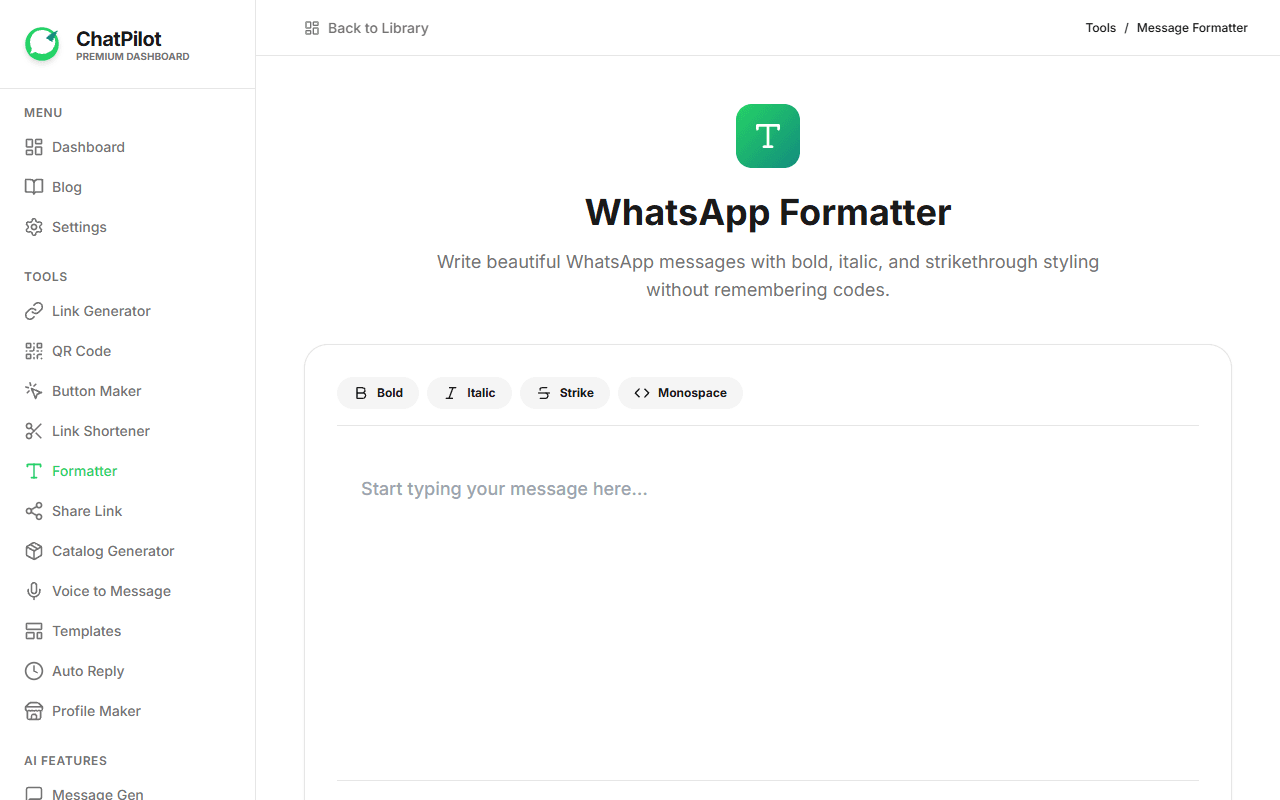
Core Tools
Master WhatsApp Text Formatting
Nov 02, 2023• 2 min read
Stand Out with Formatting
Use our formatter to perfectly craft your messages with emphasis before sending them to clients.
Video Tutorial Breakdown
In the video tutorial above, we walk you through a step-by-step English explanation of how to use this tool:
- Select the Tool: Navigate to this specific tool from your GoChatPilot dashboard menu.
- Input Your Details: Fill in the required fields like your phone number, message, or prompt. The tool will give you instant validation so you know if your input is correct.
- Customize & Choose Tone/Style: Use the intuitive buttons and selectors to pick your preferred style, tone, or country code.
- Generate: Click the primary "Generate" button. Our system (or AI) processes this instantly and displays the result on the right side of your screen.
- Copy & Use: Review the result, and click the "Copy" button. You can now paste this directly into WhatsApp or your marketing campaigns!
By following these simple steps shown in the video, you can maximize your productivity and fully utilize GoChatPilot's capabilities.